What if you could copy any image perfectly, even if you think you can’t draw? There’s a secret technique that artists have used for centuries, hidden in plain sight.
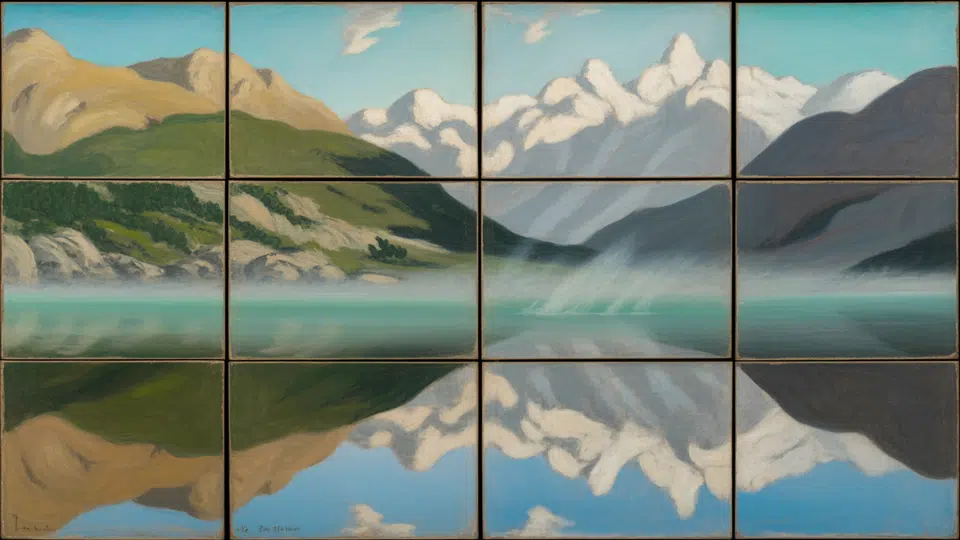
Grid drawing breaks complicated pictures into simple squares, revealing details your eyes might miss and guiding your hand one box at a time.
Ready to learn the ancient trick that makes drawing feel like magic? Let’s get started.
Why use the Grid Drawing Method?
The grid drawing method is a timeless artistic technique that divides your reference image and drawing surface into equal squares, helping you focus on one small section at a time for accurate proportions and balanced compositions.
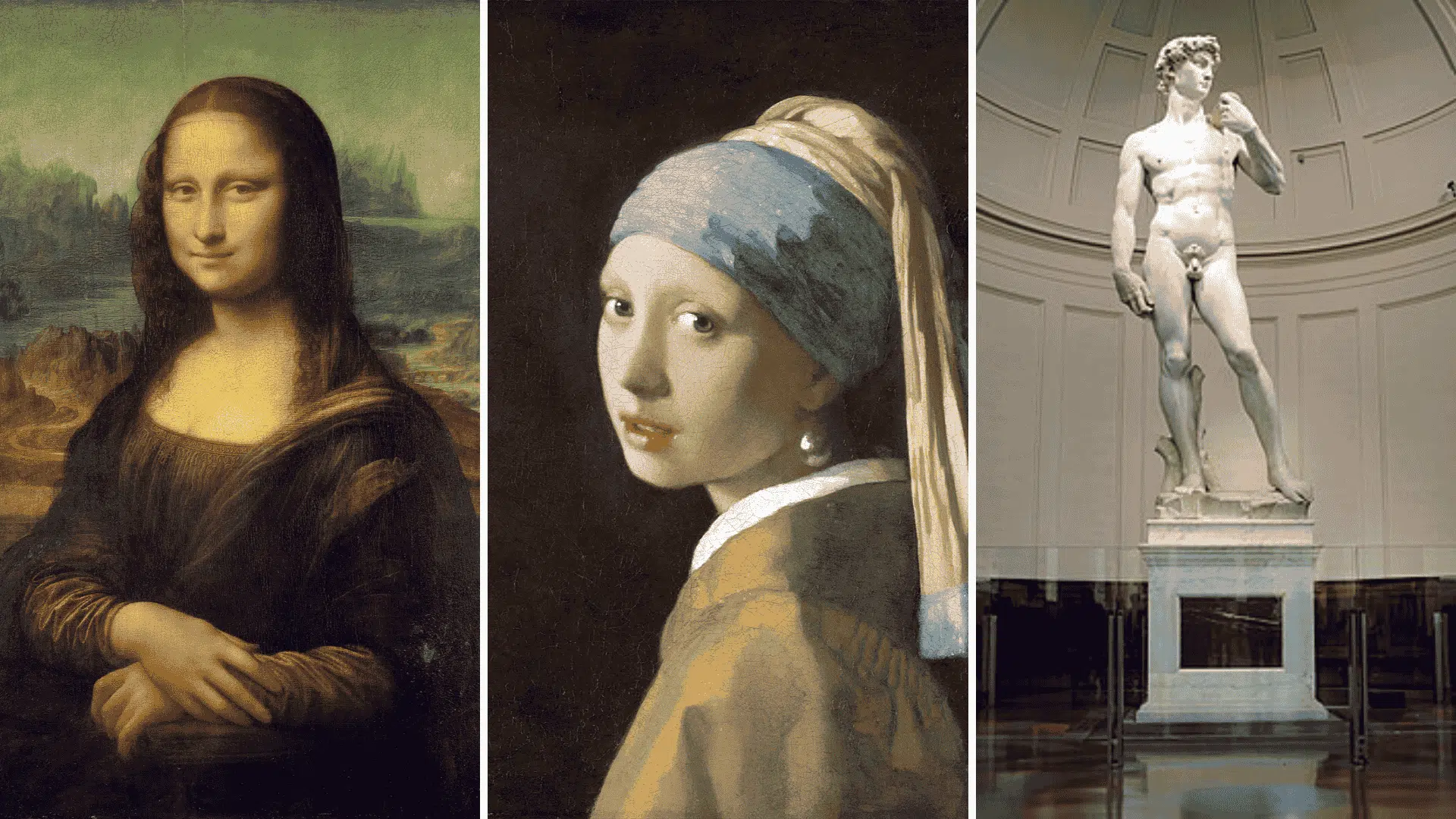
Trusted by masters like Leonardo da Vinci and Albrecht Dürer, it trains your eye to observe shapes, angles, and details with greater care.
This approach builds confidence and precision, allowing artists to recreate complex subjects with ease.
Modern grid drawing tools now simplify this classic process, bridging traditional and digital art by offering easy-to-use grid overlays, printable references, and projection features that better accuracy and creativity.
Best Free Online Grid Drawing Tools for Artists
These reliable tools help you create accurate reference grids instantly on your desktop, iPad, or Android device, at no cost.
1. GridMaker.info
Ideal for artists who value customization and data privacy, GridMaker.info helps you create perfectly customized grids with full creative control while keeping all your uploads completely private and secure.
- Key Features: Upload any image and adjust rows, columns, line thickness, and grid color to match your style
- Privacy Advantage: Works entirely client-side. Your images are never uploaded or stored online
- Output Options: Export high-resolution JPG or PNG files suitable for both digital and printed references
- Why Artists Love It: Offers full control and data security, making it ideal for detailed artwork such as portraits and architectural sketches
2. DrawingGridMaker.com
Best suited for artists seeking fast, efficient grid generation, DrawingGridMaker.com simplifies the process with its minimalist interface, letting you focus on accurate proportions without any unnecessary complexity.
- Key Features: Minimalist interface with easy image upload and direct PDF export
- Scaling Functionality: Built-in ratio scaling helps enlarge images for murals or large-format drawings
- Efficiency Focused: Removes unnecessary steps so you can generate precise grids in seconds
- Why Artists Love It: Perfect for quick sketches or professional print-ready references with minimal effort
3. GridMyPic.com
Designed for artists who rely on diagonal and perspective guides, GridMyPic.com offers a smooth, precise grid-creation experience that improves composition accuracy and visual balance.
- Key Features: Supports both square and rectangular grids with adjustable density
- Advanced Tools: Includes diagonal guides, great for mastering perspective and composition accuracy
- Ease of Use: Clean, intuitive interface that works smoothly across devices
- Why Artists Love It: Ideal for illustrators and digital creators seeking flexibility and reliability in grid setup
4. Virtual Graph Paper
Perfect for concept artists and designers experimenting with proportions, Virtual Graph Paper doubles as an interactive sketching canvas where you can visualize, plan, and practice perspective in real time.
- Key Features: Interactive online canvas with adjustable grid overlays
- Creative Flexibility: Lets you sketch ideas directly, unlike static grid generators
- Customization: Modify grid spacing and opacity for different drawing exercises
- Why Artists Love It: A tool for practicing perspective, layout planning, and visual proportioning
5. GridArt – Drawing Grid (iOS)
Built for mobile artists who want precision and portability, GridArt delivers customizable grids, diagonal guides, and simple controls that help refine proportions anytime, anywhere.
- Key Features: Customizable grids with adjustable rows, columns, line thickness, and colors
- Cross-Platform: Available on iOS and Android (as GridArt: Grid Drawing 4 Artist)
- Extra Tools: Includes diagonal guides for improved accuracy and perspective
- Why Artists Love It: A clean, portable app suited for both beginners learning proportions and professionals refining details
6. Tracing Buddy (iOS)
Created for artists projecting or tracing designs onto physical surfaces, Tracing Buddy combines precision, perspective control, and lightbox features to simplify large-scale and detailed artwork transfers.
- Key Features: Supports grid overlays, image projection, and lightbox-style tracing.
- Precision Tools: Perspective distortion controls, transparency adjustment, and multiple aspect ratios.
- Professional Use: Ideal for muralists and traditional artists needing perfect scaling and alignment.
- Why Artists Love It: Combines projection accuracy with grid guidance for seamless transfer from screen to surface.
7. Drawing Grid by ButterflyRay (Android)
Ideal for artists seeking simplicity and reliability, Drawing Grid by ButterflyRay provides quick, no-frills grid creation that delivers consistent results for both digital and print-ready projects.
- Key Features: Upload a photo, set grid rows and columns, and export the gridded image.
- Cross-Device: Android version (Drawing Grid) and iOS counterpart (DrawinGrid) share similar functionality.
- Performance: Lightweight and reliable, focusing on essential grid-making functions.
- Why Artists Love It: Great for quick studies or precise reference preparation without unnecessary extras.
Smart Additions That Simplify Grid Drawing
- Transparency controls: Look for opacity adjustment features that make tracing onto paper or aligning references with physical surfaces much easier and more precise.
- Grid labeling: Apps with row and column labels (A, B, C / 1, 2, 3) help you track squares accurately, especially when working on complex compositions.
- Scale calculators: These compute corresponding grid dimensions when transferring your reference image to larger or smaller drawing surfaces, saving time and reducing errors.
- Diagonal and perspective grids: Advanced options for curves and foreshortening are invaluable when working on challenging subjects that require dimensional accuracy.
- Split-view mode: On tablets, this feature lets you keep your grid drawing reference visible alongside your drawing app, reducing switching and improving workflow.
- Export functionality: Ensure your tool offers PNG or PDF export options for printing or using as hard references under tracing paper or lightboxes.
Creative Grid Drawing Ideas for Every Artist
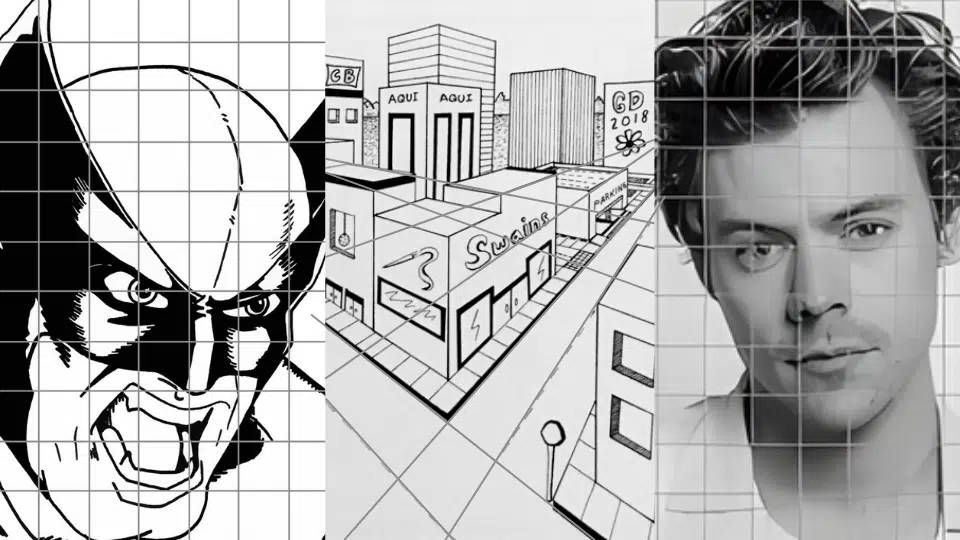
The grid drawing method helps artists of all levels improve precision, proportion, and observation. These creative ideas show how grids can make complex drawings manageable, boost focus, and refine technical accuracy.
1. Celebrity Portraits
Recreating celebrity portraits using grids betters likeness, proportion, and detail accuracy. The technique simplifies facial structure, letting you focus on one feature at a time for balanced, realistic results.
Art Skill Level: Beginner to Intermediate
Techniques to Try:
- Use smaller grid squares for detailed areas, such as eyes and lips.
- Shade gradually for smooth tonal change.
- Add diagonal guides for angle precision.
2. Botanical Studies
Botanical grid drawings train observation and patience by breaking down natural forms into simple shapes. It’s ideal for learning textures, symmetry, and the subtle details that define organic beauty.
Art Skill Level: Beginner
Techniques to Try:
- Use a light, barely visible grid for delicate outlines.
- Practice fine hatching and stippling for textures.
- Lower grid opacity when working digitally.
3. Animal Portraits
Drawing animals with the grid method improves your understanding of anatomy and texture. The grid helps maintain proportion and structure while you focus on fur flow and expression.
Art Skill Level: Intermediate
Techniques to Try:
- Combine grid drawing with contour sketching
- Build layered shading to represent fur or feathers
- Label grid rows and columns to easily track details
4. Cityscapes and Architecture
Grid-based architectural sketches improve precision and spatial awareness. Dividing the scene into smaller sections makes it easier to capture symmetry, angles, and perspective with technical accuracy.
Art Skill Level: Intermediate to Advanced
Techniques to Try:
- Use diagonal and perspective grids for depth
- Apply two- or three-point perspective lines
- Keep construction lines clean and light
5. Self-Portrait Challenge
Using a grid for self-portraits builds confidence and proportion control. It trains you to observe subtle features and maintain facial symmetry, improving realism and personal expression.
Art Skill Level: Intermediate
Techniques to Try:
- Compare grid sections using a mirror for accuracy
- Start with grayscale shading
- Adjust grid density based on comfort level
6. Landscapes and Nature Scenes
Grid drawing helps artists manage composition, perspective, and depth in landscapes. It simplifies complex outdoor views, guiding focus from foreground to background for natural flow and realism.
Art Skill Level: Beginner to Intermediate
Techniques to Try:
- Use larger grids for wide scenes
- Mark key landscape elements first
- Blend colors or shades to show distance
7. Fantasy or Character Design
Using grids for character design ensures consistent anatomy, pose, and proportion across multiple drawings. It’s perfect for building structured yet imaginative creations with visual balance and precision.
Art Skill Level: Intermediate to Advanced
Techniques to Try:
- Overlay digital grids in Procreate or Photoshop
- Use scale calculators for resizing
- Try partial grids for multi-layered composition
Wrapping It Up
Now you know how to use grid drawing to improve your artwork and tackle even the trickiest images.
Start with simple pictures and gradually work your way up to more complex subjects as you get comfortable with the process.
Remember, the grid is just a tool; your creativity and practice will naturally improve your proportions and artistic skills over time.
Grab your ruler, pick an image you love, and create your first grid drawing today.